







One Smart Link
For Every Platform
Create one smart link that detects the visitor's device and operating system, then sends them to the right app store, website, or fallback page instantly.
Google Play
App Store
Web / Fallback
Detects Device
Identifies the user's device and OS in real time.
Routes Automatically
Sends users to the right destination instantly.
App Store Ready
Directs users to App Store or Google Play effortlessly.
Tracks Performance
Monitor clicks, devices, OS, and campaign results.
Share Your App With One Smart Link
Automatically detects each visitor's device and OS to route them to the right app store, website, or fallback page.
Share across your website, social media, emails, and campaigns while tracking performance seamlessly.
How OneLink Works
Here are the steps to create a OneLink using Linksflow.
Create Link
Go to Shortened Links, then click Create a Short Link
Choose OS Targeting
Click the Targeting dropdown and choose Operating System
Add App Store URLs
Add the Google Play and Apple App Store links
Share Anywhere
Scroll down, then click Update to save the changes
Set up device based routing in seconds
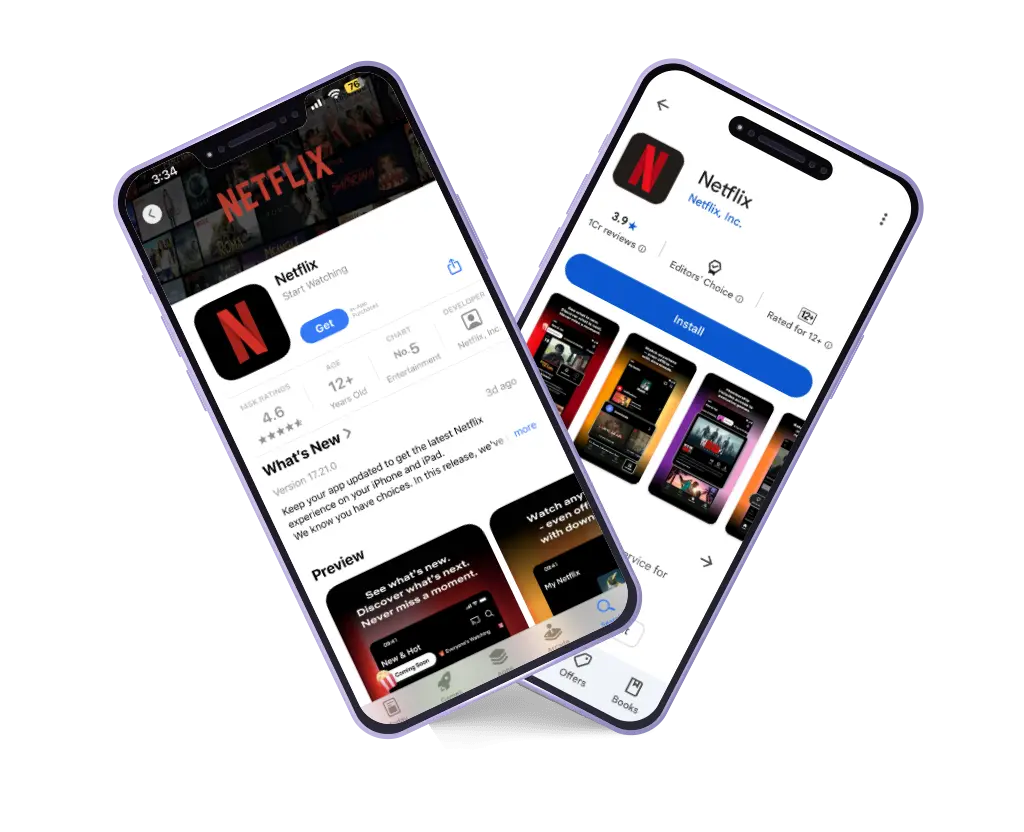
(Here we have used Netflix app links for demonstration purposes)
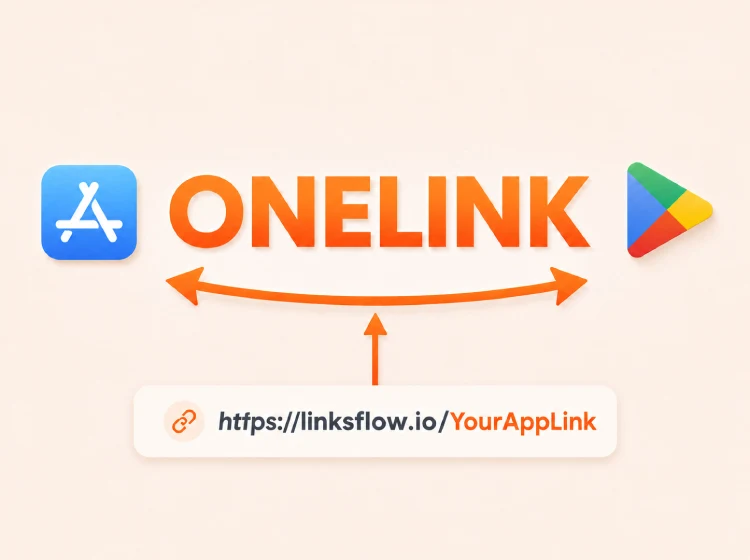
Boost your app downloads
Create a single smart link that routes users to the right app or store based on their device.
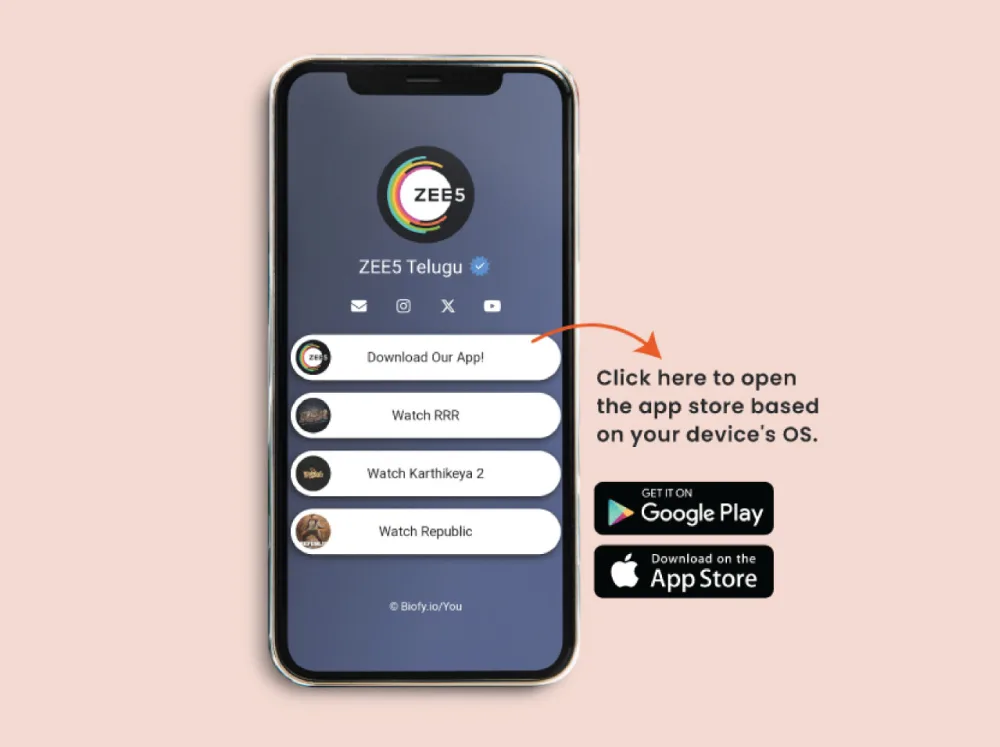
Make it easy for users
Linksflow offers beautiful Biolinks. Add the OneLink to your Biolink so users can easily download the app.
Smart Redirection
Redirects users to Google Play or the iOS Store based on their device.
Marketing Campaigns
Easily share your OneLink across social media, websites and campaigns.
Track Performance
Track clicks, devices, behavior, and engagement with detailed analytics.
UTM Parameters
Use UTM parameters to track campaign success and performance easily.
What is linksflow.io OneLink?
linksflow.io OneLink is a smart, single link that automatically redirects users to the right app store — Google Play or iOS App Store — based on their device.
💡 How do I create a OneLink?
- Go to the “Shortened Links” section.
- Enter your app’s website or company URL and customize your short link.
- Click Submit.
- Choose Operating System in the Targeting option.
- Add your iOS and Android app links.
- Click Update, and your OneLink is ready!
🌍 Where can I share my OneLink?
You can share your OneLink on social media, websites, emails, and marketing campaigns.
📊 Can I track link performance?
Yes! OneLink supports UTM parameters and provides detailed analytics, including clicks, device types, user behavior, and engagement reports.
🔗 Does OneLink support app downloads?
Absolutely! OneLink ensures users are directed to the right app store based on their device, making app downloads seamless.
🛠 Can I customize my OneLink?
Yes, you can fully customize your OneLink to match your branding and make it easy to remember.
Why should I use linksflow.io OneLink?
- Simplifies app sharing with one smart link.
- Ensures the best user experience with automatic redirection.
- Tracks performance with advanced analytics.
- Works across websites, social media, and ad campaigns.
🌐 Does OneLink support websites too?
Yes! You can redirect users to different web pages based on their device type, not just app stores.
🔒 Is OneLink secure?
Absolutely! Linksflow.io ensures your links are encrypted and safe from misuse.
📈 How long does OneLink track analytics?
Linksflow.io supports advanced analytics with data retention for up to 500 days.
💰 Is there a cost to use OneLink?
Linksflow.io offers both free and premium plans. Check our pricing page for details.